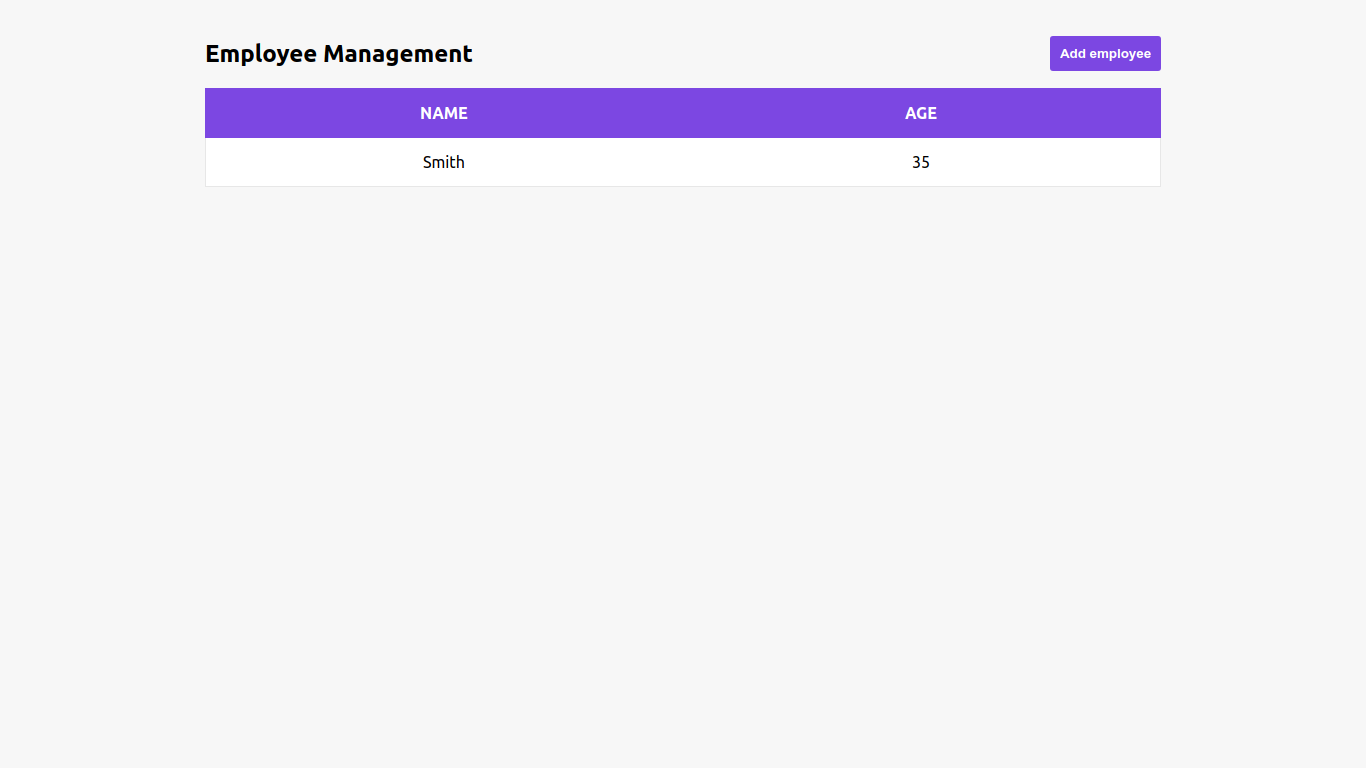
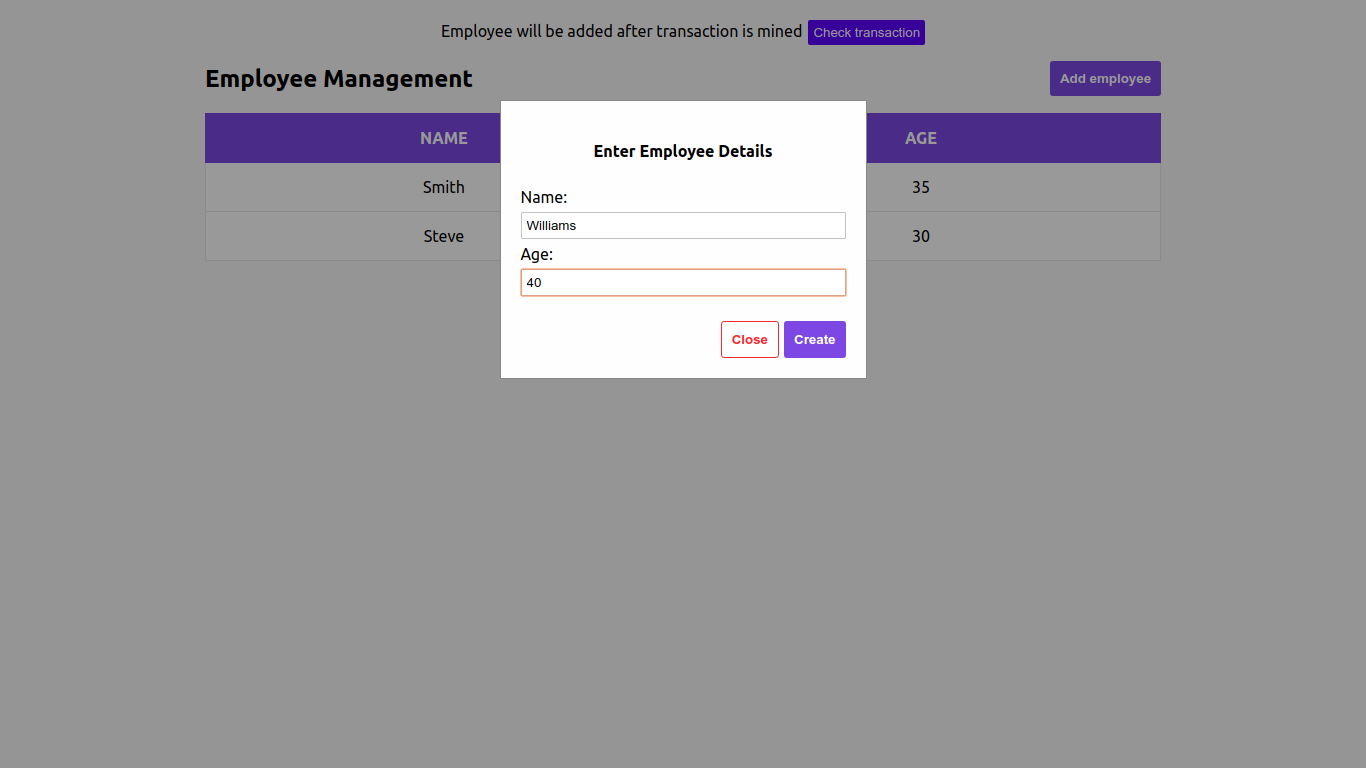
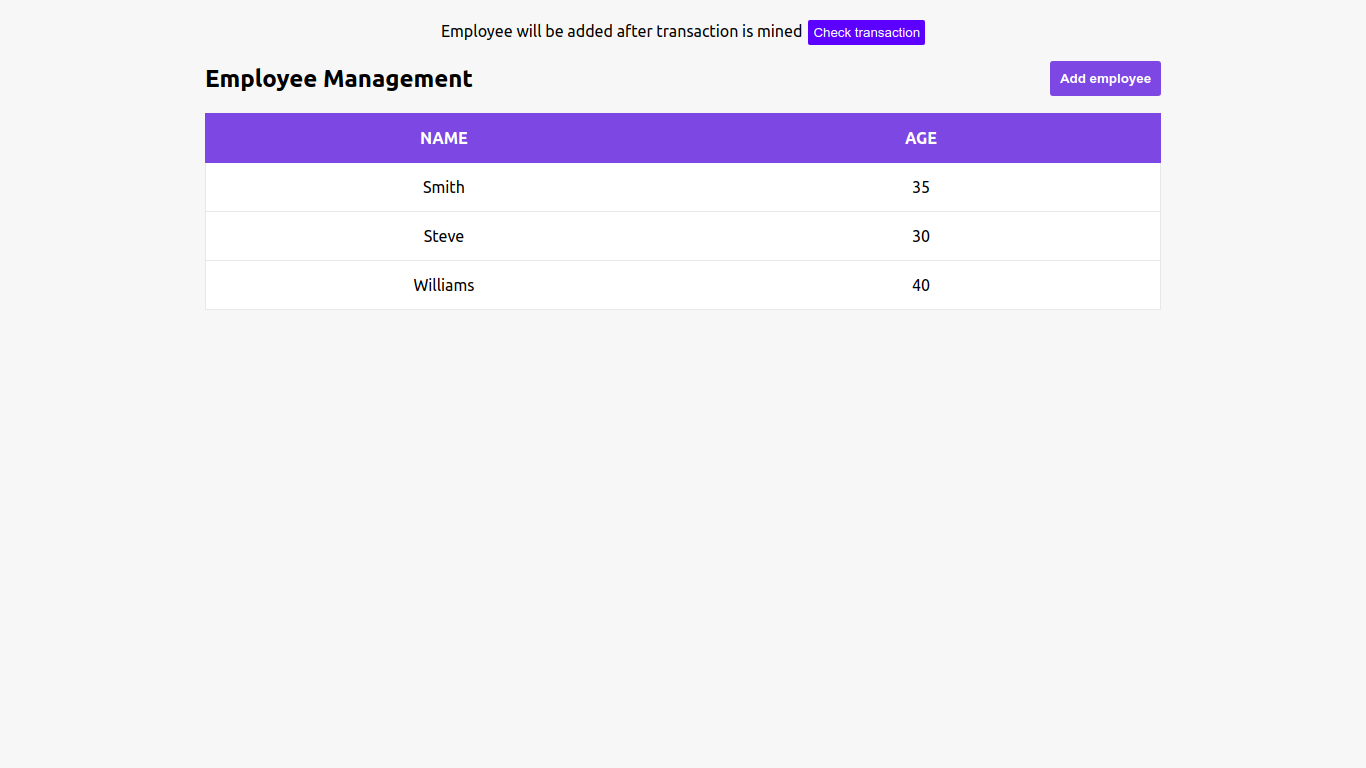
Starter App to interact with ethereum smart contract
A simple boilerplate to set up a react based app with express as backend to interact with the ethereum smart contract.
Folder Structure
backend - contains the files needed for running the backend app which interacts with the deployed smart contracts. | It is a node js express app which runs at port 3004.
truffle - contains the files needed for compiling the smart contracts and deploying to ganache-cli ethereum network.
UI - the react UI which interacts with the backend
Setting up truffle and ethereum
Compiling smart contract
cd truffle
truffle compile
Starting ganache-cli
Ganache-cli simulates a testing network in ethereum to deploy smart contracts with some epreloaded wallets.
ganache-cli --defaultBalanceEther 10000000000000000000 -m 'sample mnemonic'
Make sure you remember the mnemonic phrase you give in -m param, this will serve as the path to get the private key of the accounts to sign txs.
Now, ganache-cli will start at http://<your-ip>:<port>, let us call this the provider url
Configuring truffle provider
In truffle-config.js,
networks: {
  development: {
    host: <ganache-ip>,
    port: <port>,            // Standard Ethereum port (default: none)
    network_id: "*",       // Any network (default: none)
  }
}
Deploying smart contract
cd truffle
truffle migrate
Now you will get the deployed smart contract address, save that address as the contractAddress.
Dockerization
By default, the docker file is included inside the folder.
docker build -t eth-starter-pack .

docker run -p 3004:3004 -p 3006:3006 eth-starter-pack
Now your application will be ready with UI serving at 3006 and backend at 3004.
Setting up the node js express app
Configure properties
Mandatory before starting with dockerization.
cd backend
In express.properties
[blockchain]
contract.address=<the contract address got from truffle migrate, do not include preceeding 0x>
mnemonic=<the mnemonic you gave at ganache-cli>
provider.url = http://<your ganache ip>:<port>
Application Setup
This will be automated as part of dockerization.
node app.js
The backend will be running at port 3004
Account Setup
By default the first account from the list of accounts from ganache-cli will be used
API End points
Create a new employee
End point: POST - /employee
Get all Employees
End point: GET - /employees
Get status of a tx hash
End point: GET - /txstatus/:hash
Setting up the react UI
By default UI will be running at port 3006
Installing the node modules
This will be automated as part of dockerization.
cd UI
npm install
npm start
Point your browser to http://localhost:3006